DEVICOM

Turning Complexity Into Clarity

MY ROLE

UX/UI Designer — IA, Interaction Design, Design System, Visual Design

TEAM

PM, Front-end developer, Back-end developer

TIMELINE

Apr — Jun 2024

Overview

Devicom is a 35-year-old IT company whose previous website had a scattered service structure, making it difficult for users to quickly understand its core offerings. This full website redesign focused on reorganizing the site structure and content layouts so users could find the information they needed more easily.

Outcome

4X

New project inquiries grew 4x compared to the six months before launch

Client feedback confirmed that Devicom’s services and capabilities are easier to understand

The reorganized navigation made key service information easier to find

The website became a client-facing tool for sales conversations

The component-based system made content updates easier
User feedback

To understand the main usability issues, I collected quick feedback from potential users and internal stakeholders during the early stage of the project.

" There is a lot of information, but I don’t know what to look at first "

" There is a lot of information, but I don’t know what to look at first "

" I’m not sure where to find the service I’m looking for "

" I’m not sure where to find the service I’m looking for "

" I can’t quickly tell what services the company actually provides "

" I can’t quickly tell what services the company actually provides "

Stakeholder insights

Show 35 years of IT experience more clearly through a modernized design

Preserve the existing content and brand image

Highlight Web and Graphic design services to support new client inquiries

Key Problem

The main issue was not only the outdated visual design, but also the lack of a clear path to understand services, find relevant information, and take the next step

1

Unclear service value on the homepage

2

Scattered navigation structure

3

Inconsistent navigation behavior

4

Text-heavy content with weak hierarchy

5

Web/graphic services lacked a clear identity

Before & After

  1. Clarifying services from the first screen

BEFORE

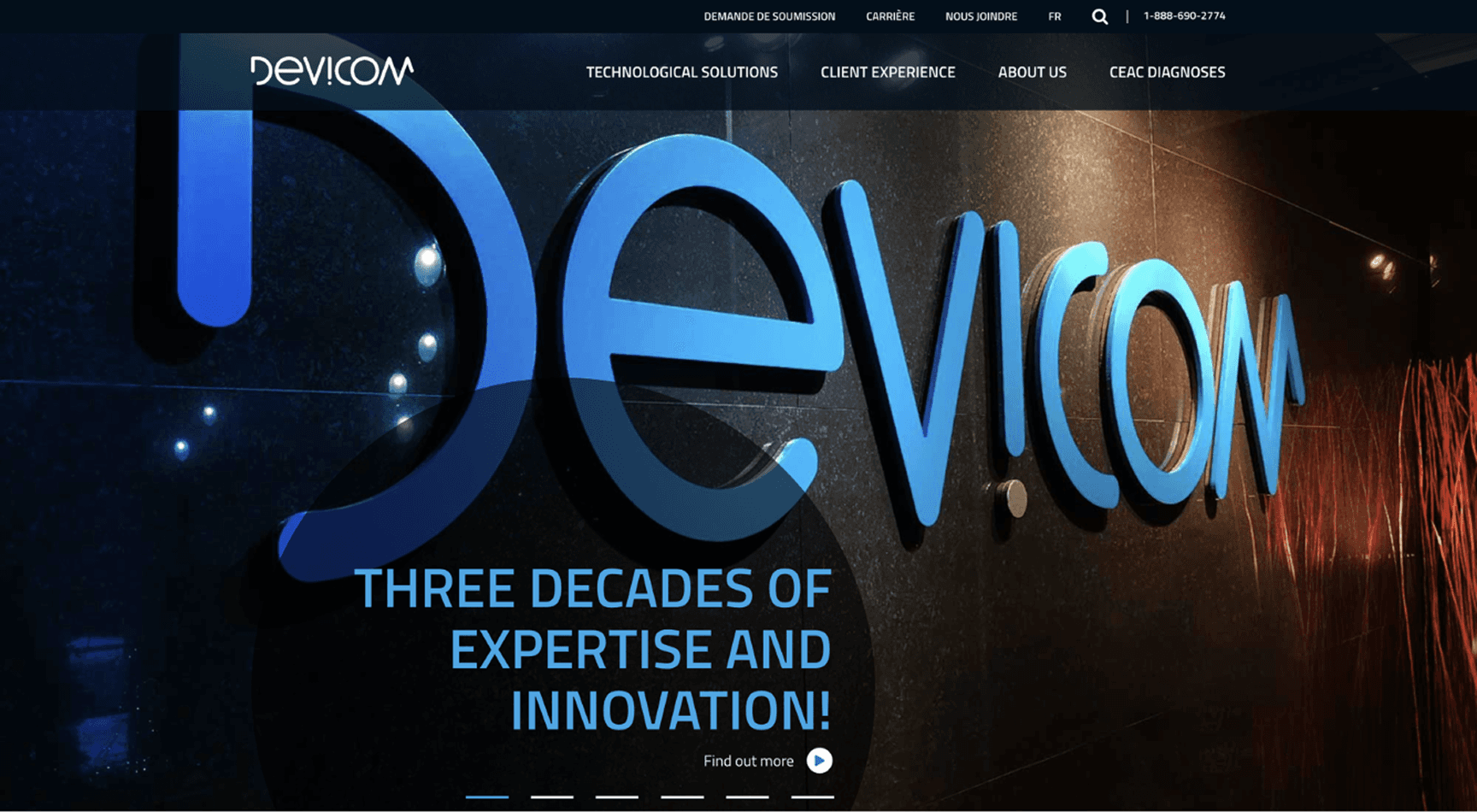
The hero slider mainly highlighted the company’s years of experience, but the core services were not immediately clear from the first screen.


Service information was also spread across multiple sections further down the page.

The hero slider mainly highlighted the company’s years of experience, but the core services were not immediately clear from the first screen.


Service information was also spread across multiple sections further down the page.

AFTER

Key services were featured in the slider to give users a quick preview of what Devicom offers.


A CTA was added for users who wanted to learn more, helping them understand the service direction and continue exploring from the first screen.

Key services were featured in the slider to give users a quick preview of what Devicom offers.


A CTA was added for users who wanted to learn more, helping them understand the service direction and continue exploring from the first screen.

  1. Simplifying navigation structure

BEFORE

Service menu labels were unclear, and related services were spread across different groups.


Users had to compare multiple menus before finding the information they needed.

Service menu labels were unclear, and related services were spread across different groups.


Users had to compare multiple menus before finding the information they needed.

AFTER

The menu labels were replaced with clearer terms, and services were regrouped to simplify the navigation flow.

The menu labels were replaced with clearer terms, and services were regrouped to simplify the navigation flow.

  1. Creating a consistent navigation experience

BEFORE

The submenu in the main navigation did not match the tab menu shown on the page. This made the relationship between the current page and service categories unclear.


Tab behavior was also inconsistent. Some tabs opened a new page, some moved to a section on the same page, and others opened external links, so users could not easily predict what would happen next.

The submenu in the main navigation did not match the tab menu shown on the page. This made the relationship between the current page and service categories unclear.


Tab behavior was also inconsistent. Some tabs opened a new page, some moved to a section on the same page, and others opened external links, so users could not easily predict what would happen next.

AFTER

The main navigation and submenus were organized as separate pages, while related lower-level items were grouped into tabs. Each tab opened its own page, creating a more consistent navigation experience.


Breadcrumbs were also added to help users clearly understand their current location.

The main navigation and submenus were organized as separate pages, while related lower-level items were grouped into tabs. Each tab opened its own page, creating a more consistent navigation experience.


Breadcrumbs were also added to help users clearly understand their current location.

  1. Improving content hierarchy for better scanning

BEFORE

The pages relied heavily on text and had weak visual hierarchy, so key information did not stand out clearly.


The CTA flow was also weak, and technical descriptions made the value of each service hard to understand.

The pages relied heavily on text and had weak visual hierarchy, so key information did not stand out clearly.


The CTA flow was also weak, and technical descriptions made the value of each service hard to understand.

AFTER

The visual hierarchy was improved so users could scan key information more quickly.


CTAs were placed along the user flow, and the content was structured from a service summary to a detailed page, allowing users to explore information step by step.

The visual hierarchy was improved so users could scan key information more quickly.


CTAs were placed along the user flow, and the content was structured from a service summary to a detailed page, allowing users to explore information step by step.

  1. Creating a stronger identity for web/graphic service

BEFORE

The web/graphic department was not clearly presented as a dedicated service area, so it was easy for users to overlook its role and expertise.


The portfolio also linked directly to external websites without explaining the project.

The web/graphic department was not clearly presented as a dedicated service area, so it was easy for users to overlook its role and expertise.


The portfolio also linked directly to external websites without explaining the project.

AFTER

The page was redesigned to feel like a dedicated agency-style service. Interaction and visual design were used to make the service feel more engaging and distinct.


When users clicked on a project, a popup showed the project background and outcomes, helping them understand the actual scope and capabilities of the work.

The page was redesigned to feel like a dedicated agency-style service. Interaction and visual design were used to make the service feel more engaging and distinct.


When users clicked on a project, a popup showed the project background and outcomes, helping them understand the actual scope and capabilities of the work.